I’m analyzing a text file coming from NLog. Right now the logs are automatically sorted by date and time. Is there a setting to remove this behavior and display the logs as they appear in the text file?
I’m debugging a log output where the date and time is unknown at boot time (defaults to 2006-01-01 12:00:00) and then gets set later, which makes all the lines from the unset time appear on top.
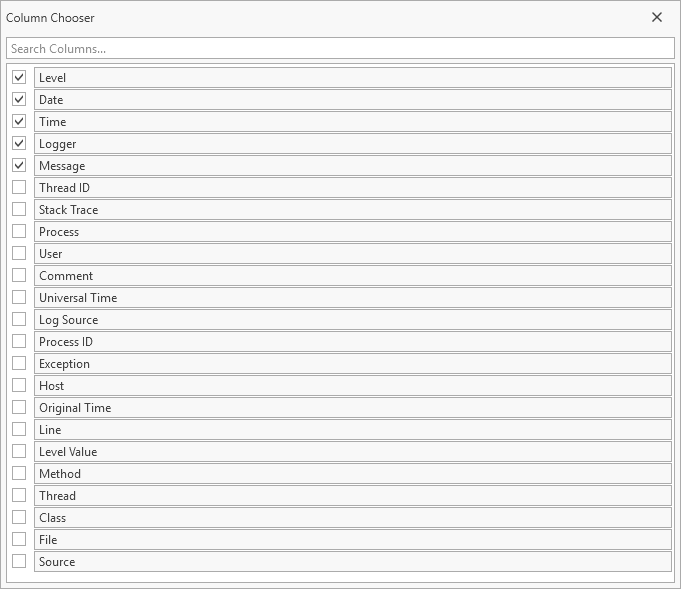
Logs can be sorted by the log-id which is assigned in the order the log entries are read. This property is not visible by default but can be made visible by right-clicking the column-header-line.
When the log-id is shown, simply press on the header field of that property to sort by the value of that column.